
T3 Code and Kitshn Changed How Fast I Can Build
How I use T3 Code, Yarden Zamir’s Kitshn, and my own fork to make working with coding agents feel like a development workflow I can keep moving.
Tom Cohen · · 8 min read
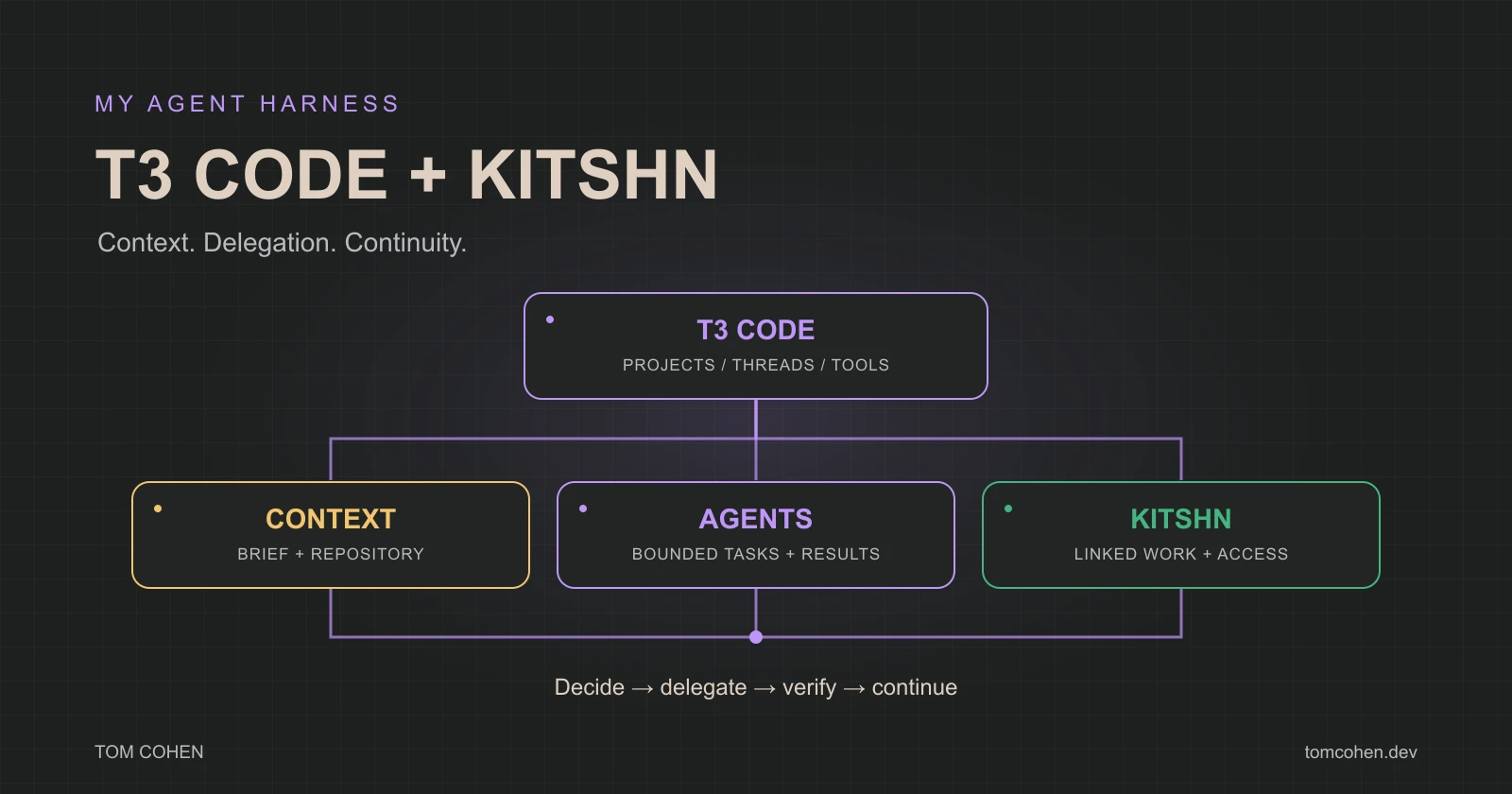
An agent can write a useful piece of code, and I can still spend a surprising amount of time getting the work to the next step.
Which project is it working in? What did it already try? Is another task touching the same files? Did the checks finish? Can I get back to the work from another device without reconstructing the whole conversation?
Those questions matter when I’m building several things. Each one is small, but answering them over and over takes attention away from the actual work.
My setup with T3 Code and Kitshn has been a huge acceleration for me. More of the work can keep moving between my decisions, and I can come back to something with enough context to make the next one.
I still write briefs, choose directions, look at diffs, and decide what to ship. The setup makes those decisions easier to connect to the work that follows.
Explore all seven diagrams interactively. Select a diagram and trace its nodes. You can also open each figure below at full size.
What I mean by a harness and orchestration
The harness is the environment that lets an agent do useful work: the files it can access, the tools it can call, its instructions, its permissions, and the state it can return to.
Orchestration is how I coordinate that work. A task might need research, an implementation, a separate review, and a response when checks finish. I want those pieces to have clear ownership and useful handoffs.
T3 Code describes itself as an agent harness control surface. It provides desktop, web, and mobile clients for working with agents running on a machine. The model and its runtime remain part of the setup underneath it. T3 Code on GitHub
For me, the value is being able to manage the work around the agent as deliberately as the prompt I give it.

The projects behind my setup
T3 Code is the foundation. Credit goes to the upstream team at pingdotgg/t3code. I use its project and thread model to keep a piece of work connected to its conversation, changes, and repository.
Yarden Zamir’s work is a big part of how this came together. His T3 Code fork documents the Kitshn integration and cross-machine features that my fork builds on. Kitshn is his separate project for deploying apps and controlling access to resources through a map: cards represent resources, and circles determine who can access them.
My version builds on those projects. The README of my T3 Code fork explicitly records that lineage. I also maintain a Kitshn fork. When I describe my setup, some features come from upstream T3 Code, some from Yarden’s work, and some from the adaptations in my forks.
That is one of the things I like about building on open source. I can understand the system I use, adapt it to the way I work, and point people to the people who made the foundation possible.

A thread gives the work somewhere to live
I want a task to mean more than the last message I sent. It needs a project, a branch, the decisions already made, and a result I can inspect.
That changes the kind of instruction I can give. “Look into this problem, make the change, and show me the evidence that it works” has a useful place to accumulate its findings and changes.
T3’s source-control tools connect the conversation to diffs and pull requests. Its worktree support gives separate tasks separate checkouts when they need isolation. T3 Code source-control documentation
The practical benefit for me is continuity. I can spend my attention on what the task found and what I want to do next.

How I divide a piece of work
Take a feature that needs an implementation and a careful review. This is the flow I want the setup to support:
- Give the main agent the outcome and constraints. Explain the behavior I want, the relevant project context, and what would count as finished.
- Delegate a bounded task when it helps. An investigation or an independent review can have a specific question and a clear deliverable. Work that edits independently gets an appropriate checkout.
- Bring the findings back. The main agent needs to use the result, resolve disagreements, and carry the implementation forward.
- Check the actual behavior. A confident answer is less useful than a diff, a relevant test result, or a reproducible observation.
- Handle the wait. If a pull request is waiting on checks or feedback, I want that event to bring the agent back to the work.
T3 documents pull-request watching that wakes the agent for relevant updates. That makes the waiting part of development something the system can track. Pull-request watching
I don’t need a large team of agents for every change. A small task can stay with one agent. Delegation earns its place when the separation makes the result easier to produce or assess.

Kitshn connects the machines and the access
The machine running a task matters. It owns a checkout, installed tools, available resources, and the process doing the work.
In the Kitshn integration documented by my T3 fork, sharing another machine’s T3 application card creates a linked environment. An agent can delegate work there, subject to the access grant and the calling thread’s limits. Completion wakes the parent thread. Working on other machines
That gives me a way to coordinate work across connected machines without treating every machine as interchangeable or assuming every agent gets unrestricted access.
Kitshn also supplies a deployment path. An app’s recipe and workflow live in its repository, while deployment locations and access live in Kitshn. The first deployment of a repository has an approval gate. Kitshn architecture
It brings deployment and access into the same setup I am already using to manage the work.

The setup can help maintain itself
One concrete example is the maintenance flow in my public T3 fork. Its documented sync workflow brings changes from Yarden’s fork into mine and runs checks. Failures in selected main-branch workflows can trigger a repair agent through a webhook task. Fork operations
That doesn’t guarantee that a repair will be correct. It gives the failure a route back into a task that can investigate it, make a proposed fix, and run the checks again.
This is the kind of automation I find useful: a specific event, enough context to understand it, and a concrete result to evaluate.

Why the acceleration feels so large
The gain shows up in the gaps between tasks. Less context to rebuild. Fewer manual handoffs. A clearer place to see what is running, what is waiting, and what needs my decision.
I can give more attention to choosing the work and judging the result. An agent can keep carrying out an agreed task while I think about another part of the product.
The models still matter. So do the brief, the repository, the available tools, and the boundaries of the task. This setup makes those parts work together more consistently for me.
I want to keep improving it by looking at where work still stalls. If I keep repeating a handoff, losing context, or manually checking whether something finished, that is a useful place to improve the system.
T3 Code, Yarden’s Kitshn and T3 work, and the changes in my forks have given me a development environment I can shape around the way I build. That has changed how much work I can keep moving, and how much attention it takes to do it.
