
I Automated My Ads Because Social Media Stresses Me Out
I have no social media background, and posting stresses me out. So I built Nykma to help me make ads and actually share what I'm building.
Tom Cohen · · 7 min read
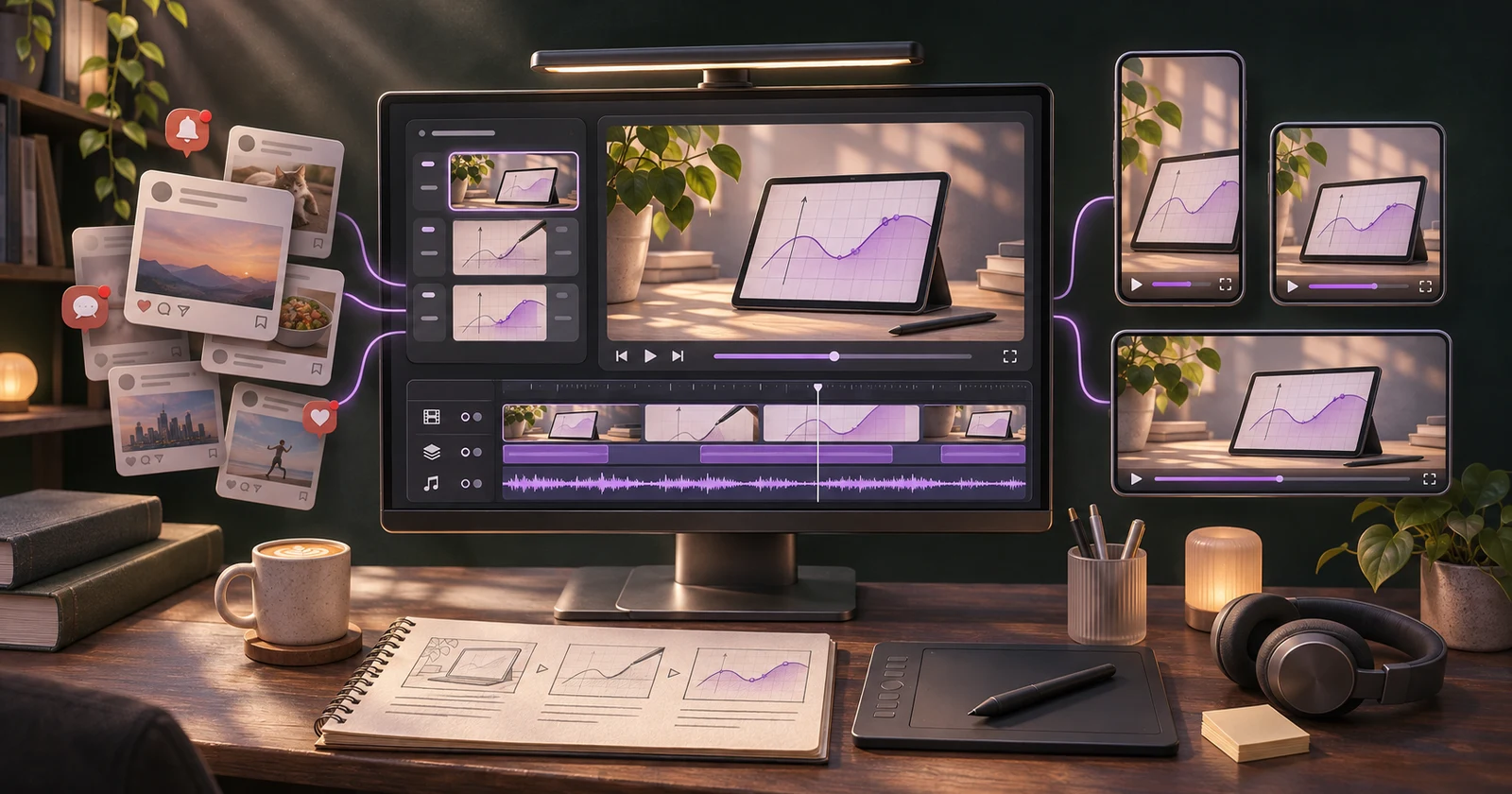
I don’t have a social media background. I’m a developer. I like building things, figuring out how they work, and getting them into a state where someone can actually use them.
Then comes the part where I have to tell people about them.
Honestly, social media stresses me out. Even opening it to publish something feels like a chore. I know my projects well, but turning that into a post or an ad is a whole other job, and I don’t feel at home doing it.
I start wondering what to say, which part is worth showing, and whether the post even makes sense to someone who hasn’t spent all day working on the thing. Then there’s the video, the caption, and the different formats. By that point, I’m already tired of it and I haven’t published anything.
So I put it off. I go back to the code, where I know what I’m doing. The product gets another improvement, and I still haven’t told anyone about the last one.
I want people to use what I build. I want to share the work. I just need a way to do it that doesn’t take this much out of me every time.
So, being a developer, I built a tool for it. That’s Nykma.
Nobody knows my app
The name stands for nobody knows my app. You can probably see where that came from.
I can spend hours on a feature or a bug. Asking me to make a short post about it can somehow feel harder. And knowing that I need to promote my projects doesn’t make that feeling go away.
I wanted a way to take something I had already built and get to a piece of content I could actually publish, without assembling the entire process again each time.
Today, Nykma is a local tool for making short videos and ads with an AI coding agent. It takes a brief, proposes an idea, builds the video in code, and gives me rendered files with accompanying post copy.
It leaves the final publishing decision with me.
My flow, from an idea to something ready to post
1. Save the context once
Each project has a brand kit: colors, fonts, assets, tone, product facts, and claims the content should avoid. That context can come from a repository, a website, screenshots, or material I already have.
This matters more than it sounds. Repeating what an app does, finding its logo, and explaining its style are small tasks individually. Together, they make every new post feel like starting over.
With that context saved, I can begin with the thing I want to show.
2. Look at the idea before building the video
I give the agent a short brief about a feature, a project, or a message. It returns a pitch with a storyboard and a rough slideshow preview.
I can approve it, give notes, or ask for another direction before committing to production. If the idea doesn’t communicate anything useful, better motion won’t fix it.
That early decision also keeps me from spending time and generation costs polishing the wrong concept.
3. Build, watch, and revise
Once I approve the direction, the agent builds the video. The core is React and code-based animation, with images, footage, audio, or 3D where they help the idea.
I can work through the local desk interface or the terminal. The desk gives me a place to follow the project, inspect the story, watch previews, and send notes.
The different formats are composed for their own shape. A vertical video needs a readable vertical layout; shrinking a landscape composition isn’t enough.
I see the rendered result before deciding whether to revise it, run checks, or drop it. When I request checks, a separate reviewer can suggest visual improvements, while automated validators look for issues in the render, layout, audio, and brand rules. I still need to judge whether the video says what I mean.
4. Get the whole handoff
The output includes MP4 files and post copy for the different platforms, with tracking links where appropriate.
That last part makes a difference. A finished video with an unwritten caption is still an unfinished task. Having the files and the words together removes another reason to postpone sharing.
For example, one video introduces me through a five-second “build tom” compilation sequence. Another shows a MathbookLM homework sheet moving smoothly until one problem stops the flow, then demonstrates solving that problem on the canvas. Each gives me a specific thing to communicate, with the assets prepared around it.
I review the handoff and publish manually. Nykma doesn’t post to my accounts.
What the finished videos look like
Here are two MathbookLM videos. This is the kind of content I want to be able to finish and share without getting stuck on the production every time.
A full product tour
Sometimes I want to give someone time to understand the product. This three-minute tour is the longer example: something I can share when a short post isn’t enough.
Write it. Solve it. Simulate it.
This example puts the message right in the title: write it, solve it, simulate it. Having a clear idea of what I want someone to take away makes it easier to decide what belongs in the video.
For me, getting to this point is the useful part: an actual video I can watch, improve, and publish. It gives me something concrete to share when opening social media already feels like a lot.
What changed for me
I’ve been publishing more reliably since I started using Nykma. Getting a post ready feels manageable now, so I actually do it more often.
The difference is that fewer unfinished decisions sit between the work and the post. I can focus on whether an idea represents the product, give concrete feedback, and arrive at something ready to use.
Social media still takes energy. But entering it with a finished video and a caption is easier than entering it with a vague obligation to “post something.”
It also lets me do more of the preparation in the environment where I’m already working. I can finish a feature, turn it into a brief, and review the result before opening a social platform.
What building Nykma taught me
An earlier attempt at this problem became a much heavier system. Nykma’s starting point was smaller: one agent, a reusable set of parts, and room to make creative decisions.
The project has grown, but I want each addition to earn its place by removing work I repeatedly run into.
I’ve also learned to distinguish production quality from communication. A video can render correctly and still fail to explain the product. A clever concept can become unreadable on a phone. A reviewer can catch a layout problem without proving that an ad will persuade anyone.
That’s why the pitch, the actual preview, and my own judgment all matter. Automated checks help, but publishing remains an editorial decision.
Where I want to take it
The next directions I want to explore come from the same problem: making useful content easier to finish.
- Better ideas before production. Test different creative approaches early, so I can choose a strong direction before building the full video.
- More useful feedback from the actual render. Catch readability, timing, Hebrew layout, and product accuracy problems with evidence I can act on.
- Better use of what I’ve already learned. Keep useful brand decisions and recurring corrections available without making every new brief carry the entire project’s history.
- More practical media choices. Keep improving when to use code, existing assets, stock, or generated footage, and make the time and cost tradeoffs clear before committing.
These are directions to test, rather than promises of a finished roadmap. I want to keep using Nykma on my own projects and let those real attempts show which improvements matter.
The reason I started remains simple: I want people to see what I’m building, and I need a process I can keep coming back to even when social media feels tiring.
Nykma has made that easier. For a tool that began with “nobody knows my app,” helping me actually share the work is a useful place to start.